Features
Science, not guesswork.
Quality sliders are meaningless without context. PicSquish uses SSIM to measure perceptual quality mathematically — so you get the smallest file that still looks identical to the original.
The Problem
Every image compressor has a quality slider. But what does “75%” actually mean? Is it good enough? Would “85%” look any different? The answer depends entirely on the image — a simple graphic compresses differently to a detailed photograph. Guessing wastes either quality or file size, usually both.
The Solution
PicSquish uses SSIM (Structural Similarity Index) to measure how similar the compressed image looks to the original, the way a human eye would perceive it. Instead of guessing a quality number, you set a perceptual target and let PicSquish find the optimal compression automatically.
Auto Quality Mode
Set a perceptual target (the default is 0.95 — visually identical to the original). PicSquish binary-searches compression values to find the smallest file that meets your target. You get maximum compression with no visible quality loss.
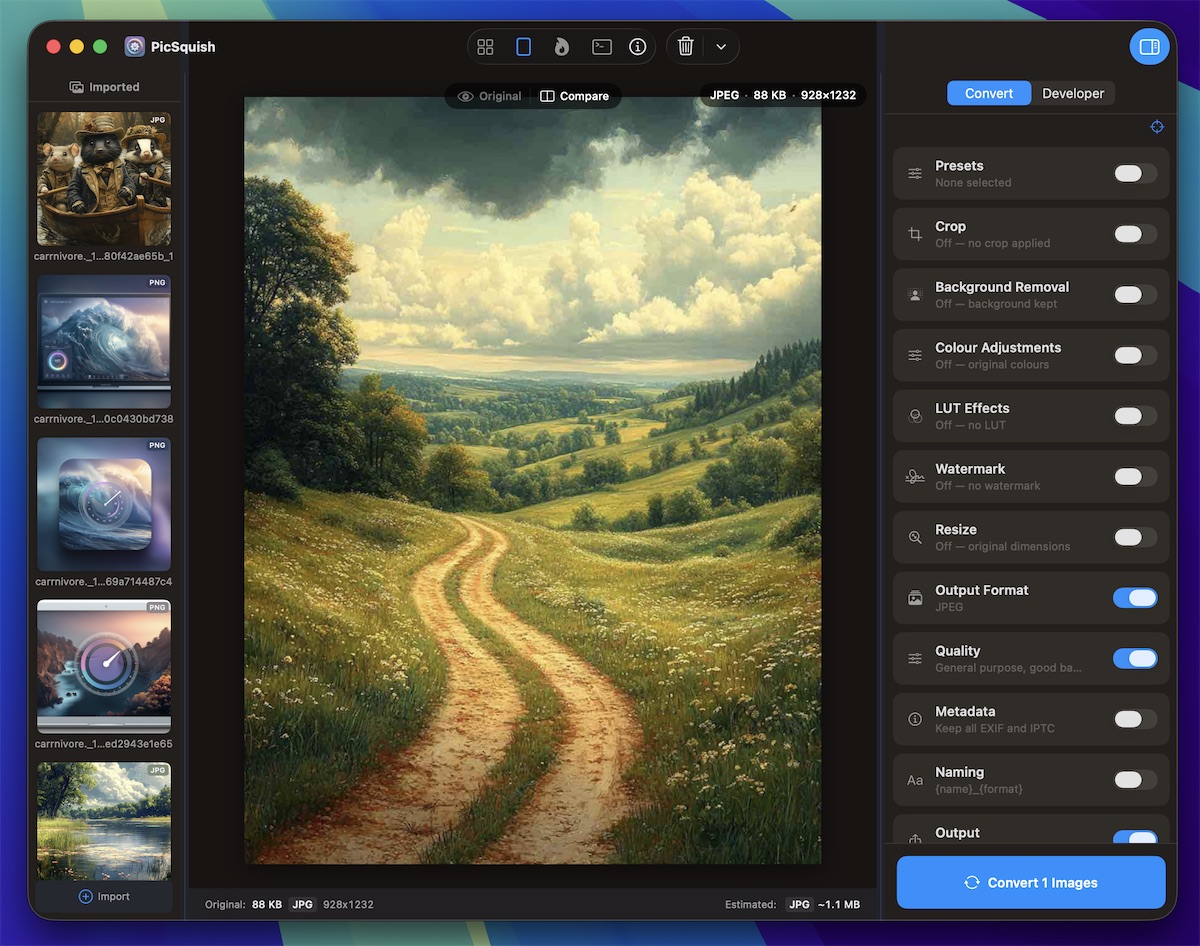
Before-and-After Preview
Split-screen or slider-wipe comparison with live SSIM scoring. See exactly what compression does to your image before you commit. Zoom in on fine detail, compare textures, check text legibility — all in real time.
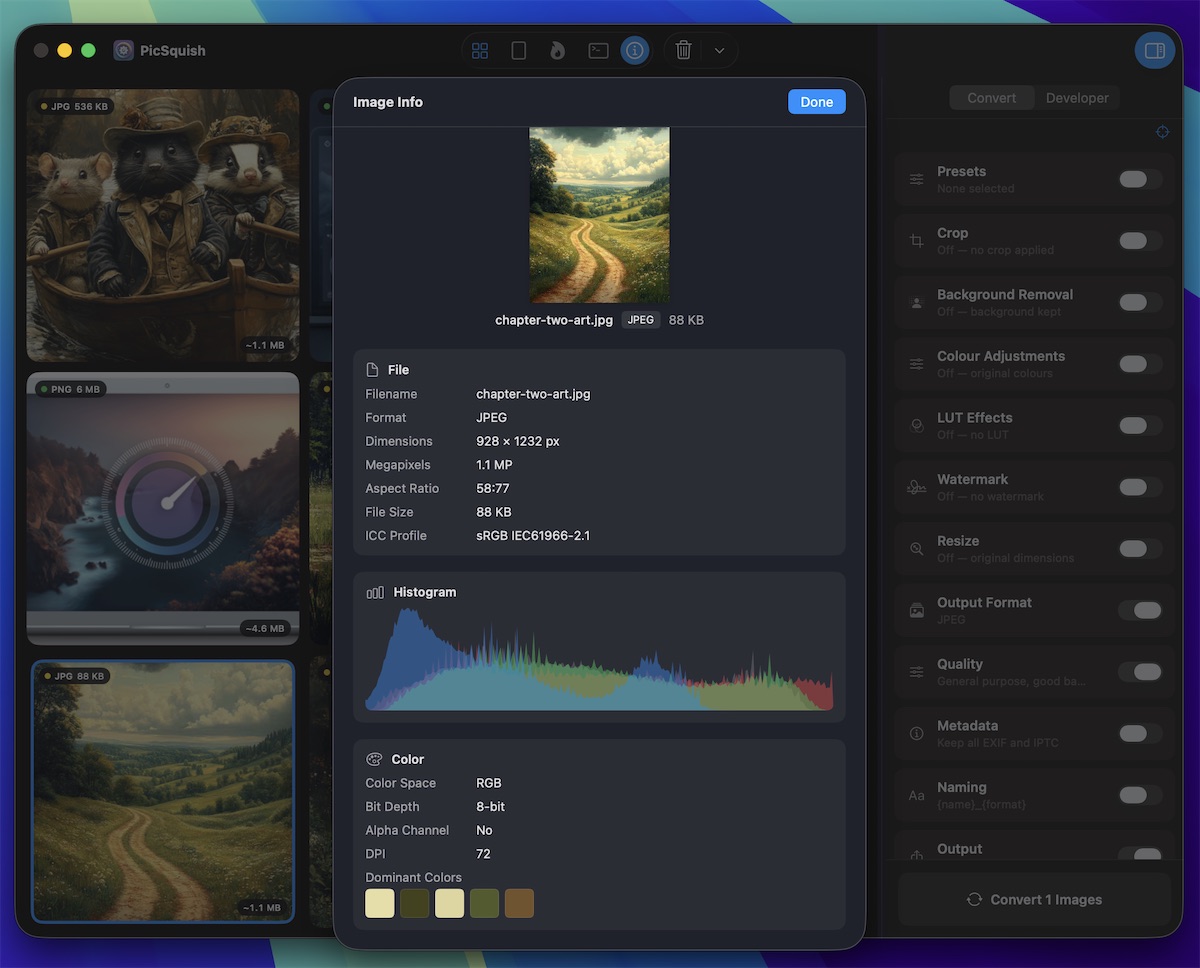
Quality Tiers
Six preset tiers to choose from, covering every use case.
Archive / Print
Maximum fidelity, largest files. For archival masters and print-ready output.
Professional
Excellent quality, moderate compression. For client deliverables and portfolios.
Balanced
The sweet spot for most uses. Great quality at reasonable file sizes.
Web Optimised
Smaller files, still looks great. Perfect for websites and blogs.
Compact
Smallest reasonable size. For email attachments and bandwidth-constrained use.
Custom
Per-format sliders for full manual control. Fine-tune every parameter yourself.
Stop guessing. Start measuring.
Get the smallest files with the best quality, automatically.
Download PicSquish